Artificial intelligence technology has not only transformed industries such as filmmaking, but also made tools available to users that have only existed in Hollywood studios. Among the most fascinating examples in this field are tools Change face with artificial intelligence in video He noted that we are going to introduce you to some of them.
Artificial Intelligence Face Editing Tools in Video
The tools we will refer to are used to convert the face into the video with AI and can be used in different ways. Each of them also has its own unique and unique characteristics and features.
The capabilities of these tools are generally possible Making attractive videos, Social network trends And even Production of advertising content Make it easier. With them you can easily replace yourself in a movie, music video or a short clip.
In another similar post, we introduced the best tools to change the age of the face with artificial intelligence.
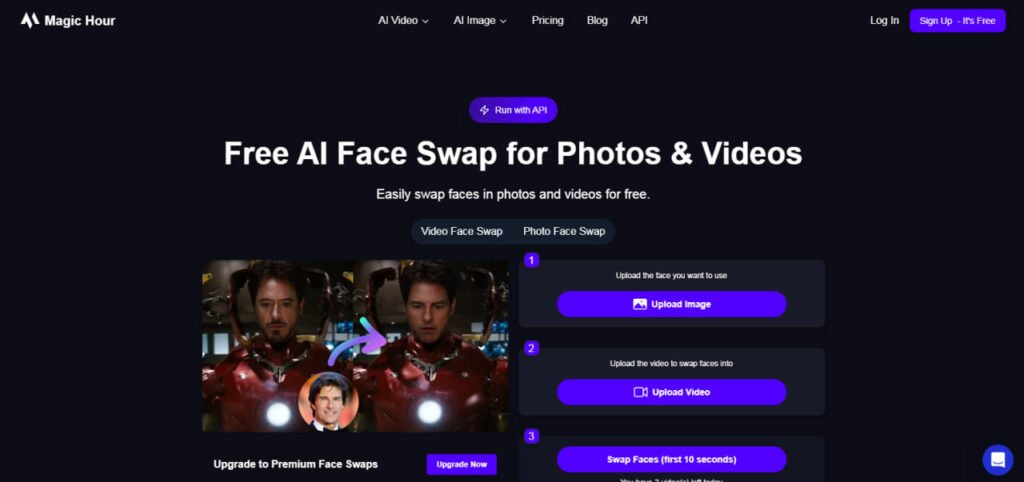
Magic Hour – Change Fast, Handle Face in the Browser
Magic Hour Is an online service to edit video and image that one of its tools named Face Swaps It allows for changing face and video.
To use this service you just need to upload your video and the destination face image to change the face automatically. The tool automatically detects key facial features such as eye, nose, mouth and jaw lines and then replaces them in all high -precision video frames.
In terms of quality, the free version of the Magic Hour is slightly limited and its output comes with medium resolution and watermark. But for new users or those who want to see the result very quickly, these restrictions are not a major obstacle.
Simple user interface, cloud processing, very good processing speed and support for common video formats make this service a great choice to change the face in the movie with AI.
MAX Studio – Facebook Swap Video With Watermark Without Watermark
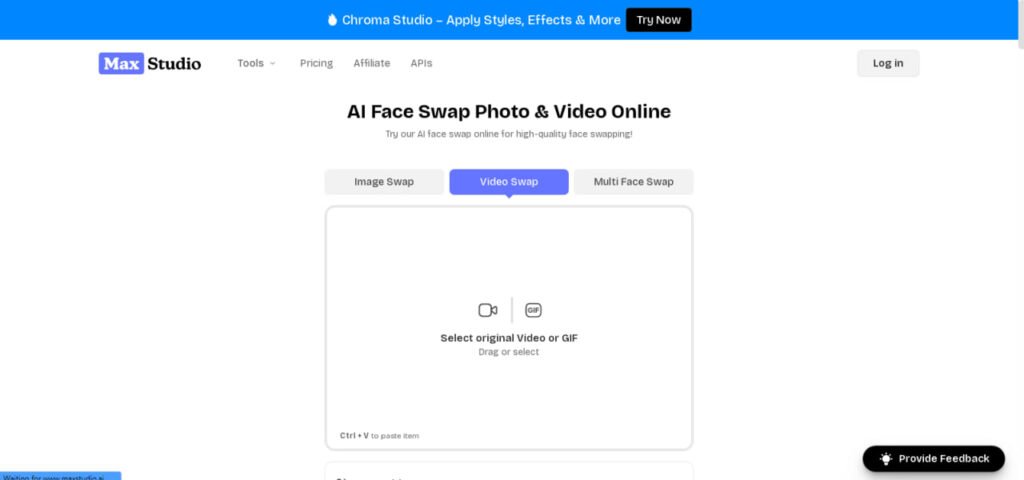
If you are looking for a great output quality tool, you can try Max Studio. The platform uses a combination of several complex neural networks to synchronize facial states, lip movements and lighting.
One of the most important points of this tool is to provide Watermark -free output to make it easier to use on other platforms.
Max Studio also provides advanced features such as changing the face of a few people in a video, replacing the face on fixed images and even combining faces. This flexibility has made it a good tool for creative projects, advertising or even humorous content.
Supawork – The Best Face Change Face Change for Novice People
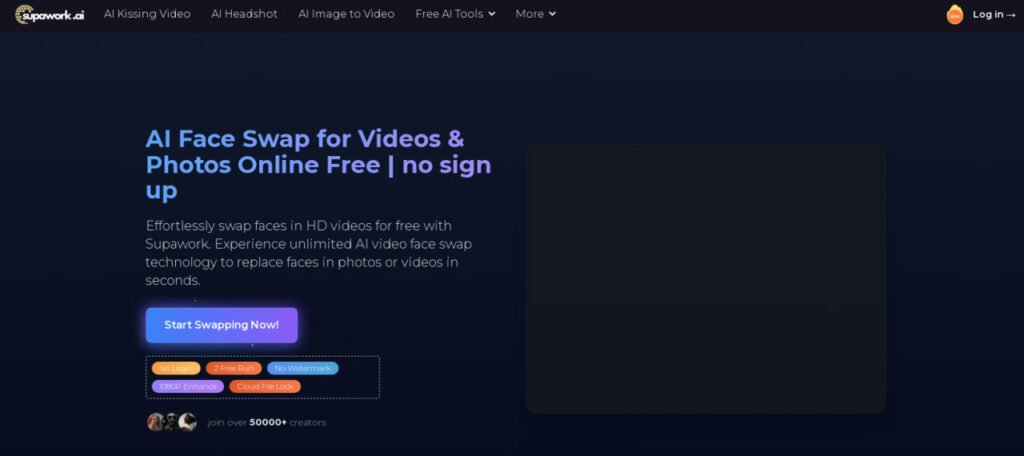
Supawork Another online tool that gives a free version without a watermark. The same feature has made it a popular option among amateur and even semi -professional content makers. Fraind its work is also extremely simple; Upload the video file and the reference image, and a few minutes later, you will deliver the edited version.
The main advantage of the supawork is its ability to accurately identify different angles of the face. This means that even if the subject of the video is moving or changing face mode, the algorithm still retains its appearance. This feature is very important for the effect of face change in the film with artificial intelligence.
The Supawork paid version offers additional features such as 4K output, higher processing speed and advanced controls on skin color matching. But even the free version is too enough to produce short and attractive videos on social media.
Youcam Video Editor – Multipurpose Video Face Supply
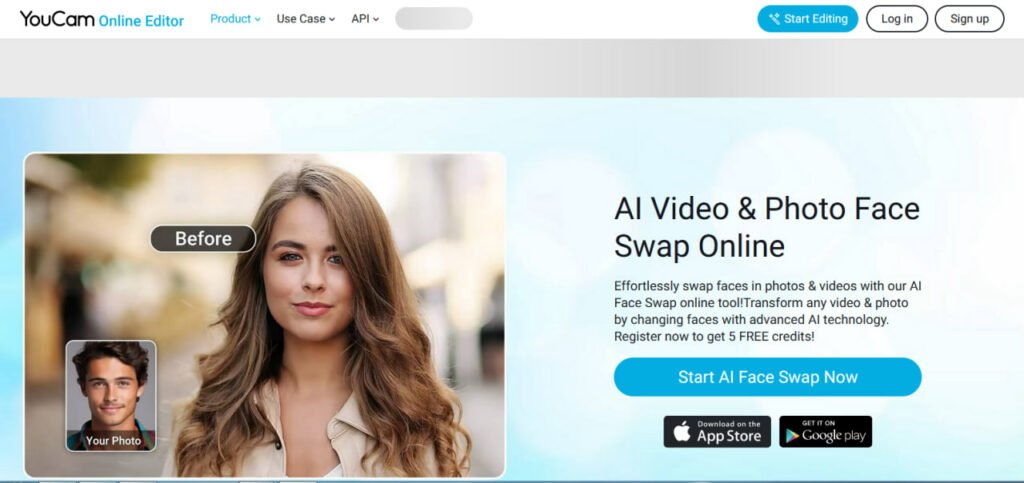
Youcam Video Editor In essence, it is a video editing software focused on beautification and face effects, but artificial intelligence has been added to the video. This tool allows you to modify the color of the skin in addition to changing the face, change the lighting, and even add virtual makeup.
As usual, in the free version, users have limited credit for projects that can be increased by paying. Youcam is a complete set for those who need video beautification tools.
Earlier in “Video Video Artificial Intelligence” we had introduced more tools for video editing.
Vidnoz AI – Change Online Face With High Care
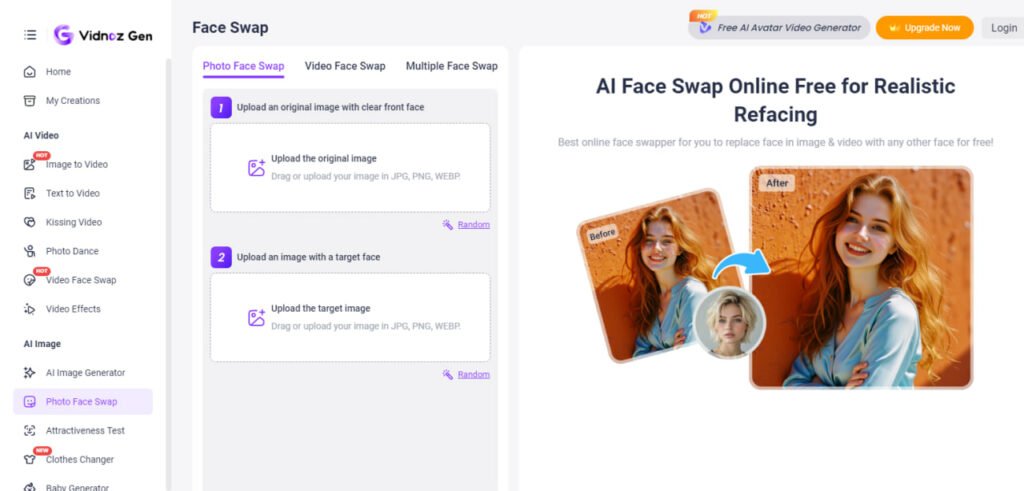
Vidnoz AI Another online service with a simple and high quality interface. This tool performs great for short videos and even offers acceptable output in the free version. The Vidnoz algorithm is particularly accurate in keeping the light and shadows of the destination face, which is crucial to the natural effect.
The possibility of uploading directly through the browser and cloud processing makes it easy for novice to work with Vidnoz. The service also supports a variety of video formats and does not need to convert files before upload.
For those who want to have a quick and painless video face -to -face video change program, Vidnoz is a reliable choice.
DeepFacelab – Professional Tool for Specialists
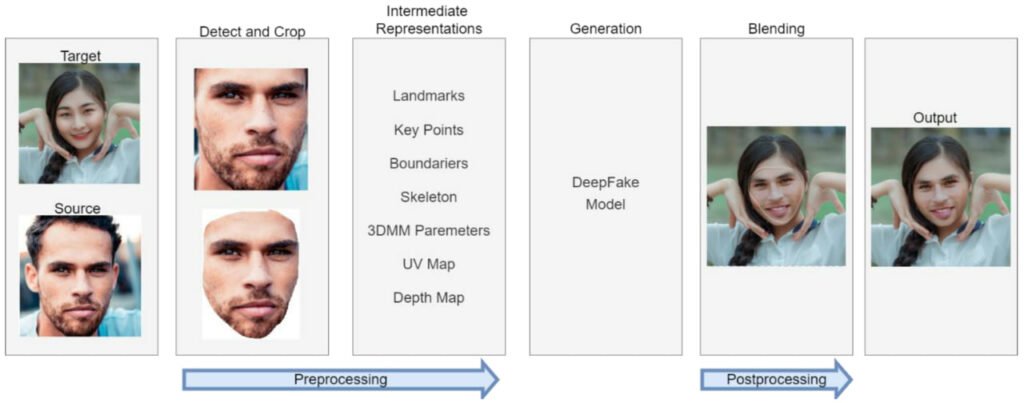
DeepFacelab a The open source project That is among the video enthusiasts and specialists in the field of video Precision And High flexibility Famous. Unlike online tools, this software requires installation, adjustment, and familiarity with deep learning concepts. But instead, complete control over the process of changing face in the clip and short film with artificial intelligence.
With DeepFacelab, you can teach your dedicated model with custom data, change process parameters, and even replace parts of the face separately. This level of control makes this tool for Professional projects Or Research Ideal.
Of course, you need a powerful GPU system to use this software.
Remaker ai – all -out and fast
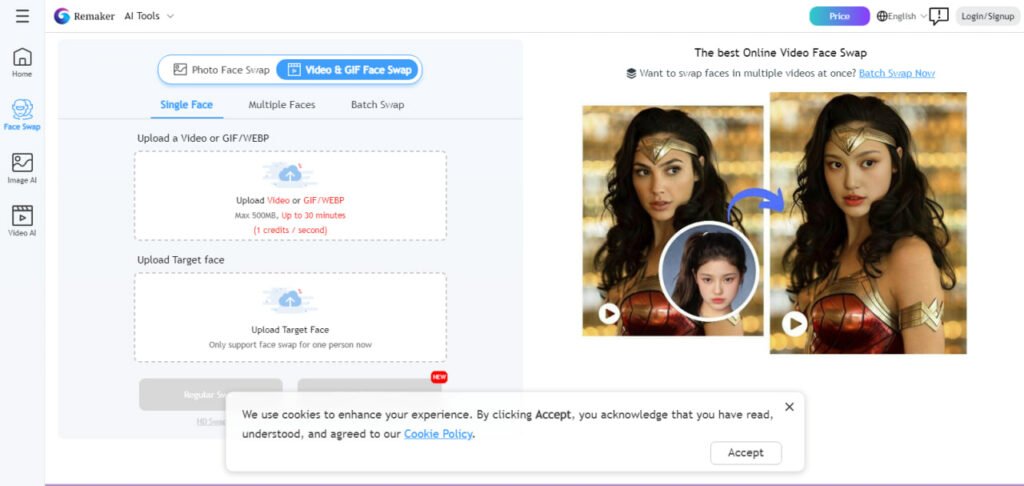
Remaker ai It is a versatile platform that offers artificial intelligence video swap capability along with other image and video editing tools. The service is designed to quickly produce professional video content, and its interface is easy even for people without video editing experience.
One of the interesting features of Remaker is the ability to process multiple videos and convert them into different formats. It also has options for color modification and lighting after face change to maintain overall image coordination.
In the free version, the output quality is limited, but it will still be suitable for many non -commercial and entertainment uses.
Change face with artificial intelligence SWAPFACE
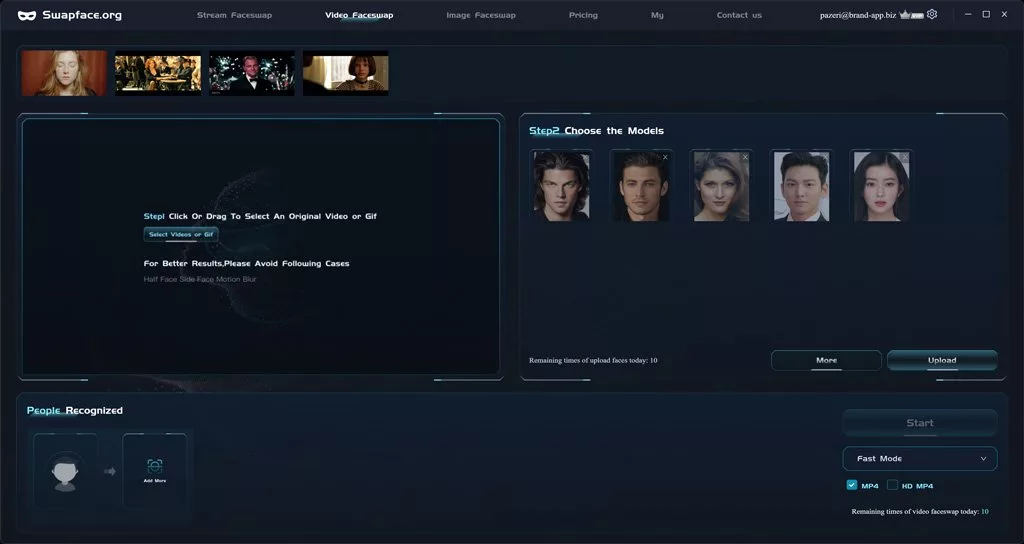
SWAPFACE Facebook Intelligence Program with approximately volume 1.2 GB Only for devices -based devices Windows It has been published and does not support other operating systems. Also news of a web version or mobile app Not;; However, we may also see this in the near future.
To download the software installation file, you can go to the official developer site; But unfortunately it is not possible to download the program through Microsoft Store.
| The hardware needed to run the SWAPFACE Face Artificial Intelligence program | At least | Suggested |
| CPU | Intel Core i5 9400 AMD Ryzen 5 2600 | Intel Core i5 11400 AMD Ryzen 5 3600 |
| RAM | 1 GB | 1 GB |
| Graphics card | Nvidia GeForce 1060 Radeon RX 580 | Nvidia GeForce 2070 Radeon RTX 5700 |
| The operating system | Windows 7 | – |
After installing the program, you need to build an account to continue and access the features. SwapFace.org is available directly from an app or face -to -site SwapFace.org app; But the free plan includes restrictions.
For example, the number of artificial intelligence changes in pre -recorded videos, online streams or images is limited to 5 cases, and to delete it, you must go to Premium Accounts with a monthly subscription fee.
By building your account and confirming your email on this site, you will enter the software homepage that consists of several tabs; But among them, three elementary fever are more important. In the first tab, Stream FaceSwap, users can change their face simultaneously when using video streaming. The next two tabs, Video FaceSwap and Image FaceSwap, are used to change the face with artificial intelligence in pre -recorded videos and photos, respectively.
Ethical responsibilities of changing face with artificial intelligence
Artificial Intelligence Face Technology in Video is a double sword. Indeed if without Observe ethics And Respect for the privacy of individuals Use them, they can be harmful. These tools have the power to change the visual reality and this power has a great responsibility. Manufacturers always suggest that these services are only for the purposes Creative, Educational Or Entertainment Use and refrain from applying them to forge identity, destroying credibility, or publishing misleading and dip -fick content.
Also, the release of a video in which case the person is replaced without his consent can have serious legal and social consequences.
Frequently asked questions
Yes, services such as Superawork Vidnoz and Magic Hour have a simple user interface and do not require specific technical knowledge.
Advanced tools such as Max Studio and DeepFacelab offer a quality close to the original videos, making it difficult for the viewer to detect change.
Some have a free version and are limited to the quality or use of watermarks. Monetary versions offer higher features and quality.
Youcam Video Editor is optimized for mobile and has many features in addition to changing face.

RCO NEWS