The world of interior design has undergone great developments with the introduction of smart tools. Today, you no longer need to spend heavy costs or specialized knowledge to make a big change in home or work decoration. In the meantime, artificial intelligence -based services such as Rome GPT allows users to find new and creative ideas for their space with just a few clicks. Rome GPT is an online tool that, by receiving an image of your room, offers new designs based on your favorite styles and helps you simply visualize your dream space.

Roman GPT site
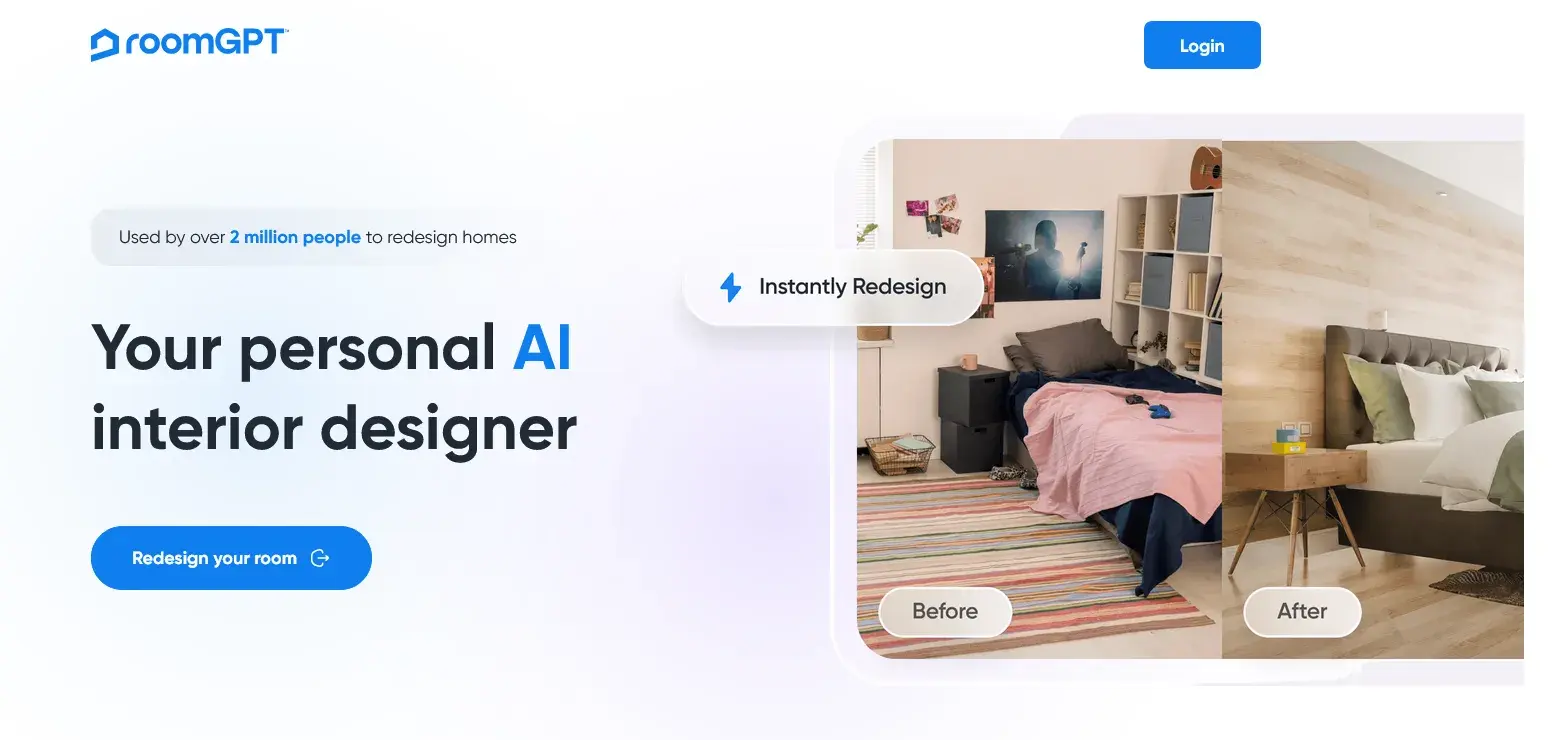
First of all, it should be noted that the Roman GPT is a web platform and all its services are provided through the official website at Roomgpt.io. This means you only need an Internet browser to use it. You may have similar names in app stores, but you should know that these programs have nothing to do with the original service, and to access the real tool, you must visit the GPT Roman site. This feature makes it very simple, as you will not need to occupy your device’s memory by installing extra software.
GPT
When we talk about the Roman GPT program, we mean the online tool on the website of this service. The main application of this program is to provide visual ideas for redesigning space. Imagine you are going to change your bedroom decoration, but you don’t know where to start or what style is in line with your taste. It is here that the Roman GPT artificial intelligence comes to your aid. You upload a picture of your current room, and this artificial intelligence app will show you the same space with a completely different layout and style. This process helps you gain a detailed and accurate view of the end result before any cost or purchase of new items and make more confidence in the decoration.
Download Rome GPT
One of the common questions for users is how they can download GPT Roman. As mentioned, this service is completely web -based and has no official app for mobile or computer. Therefore, the phrase “Roman GPT” is basically not relevant and you do not need to download and install any files to use this powerful tool. Simply log in with any device connected to the Internet and start the design process. This advantage allows you to always access the latest version of this tool without worrying about constant updates.
Step -by -step tutorials on Rome GPT
Working with this tool is very simple and has no particular complexity. In the following, we explain the steps of using it step by step.
Login to the site and register
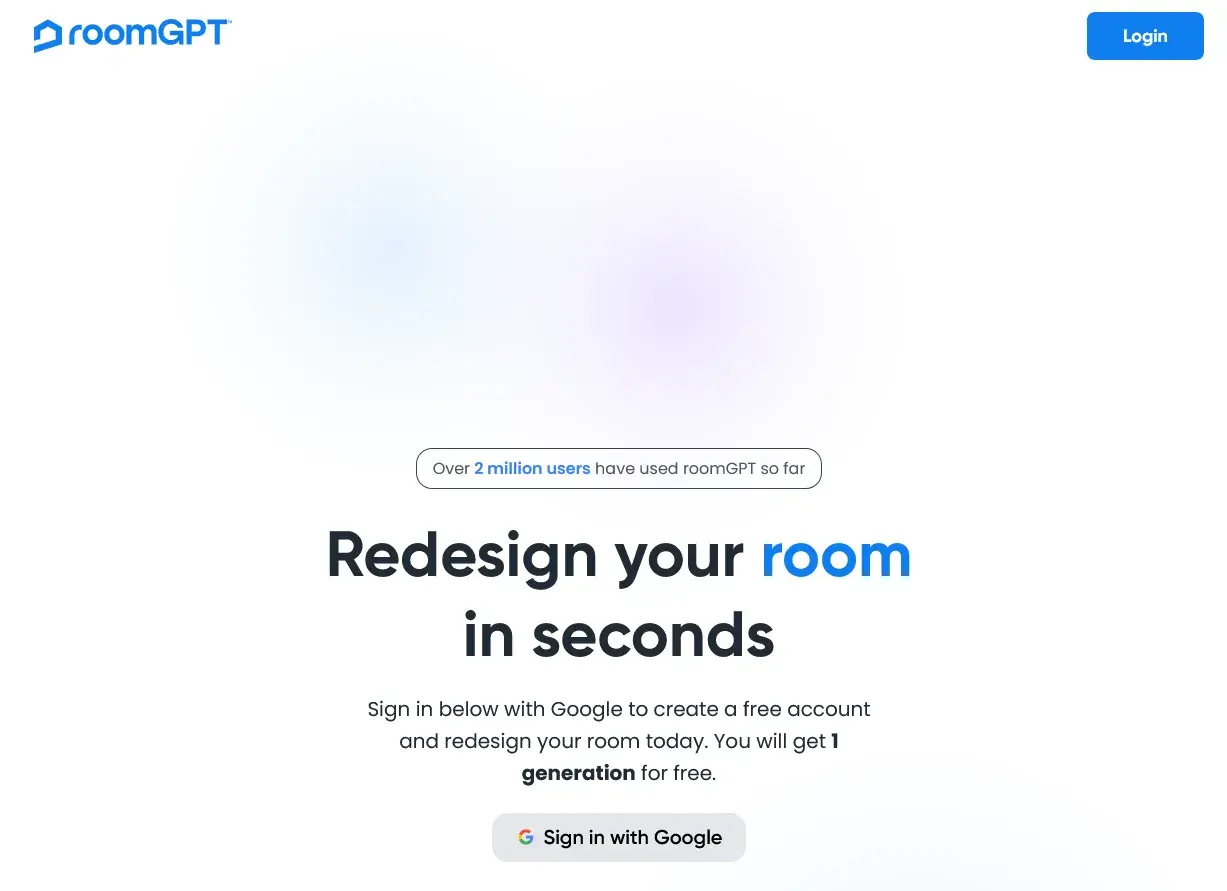
First go to the Roomgpt.io website. On the homepage, you will find a message that invites you to redesign your room for free. To get started, you must register on the site. The easiest way is to use a Google account (Gmail). Clicking on the relevant option will quickly create your account without having to enter additional information.
Select the type of room (Select Room Type)
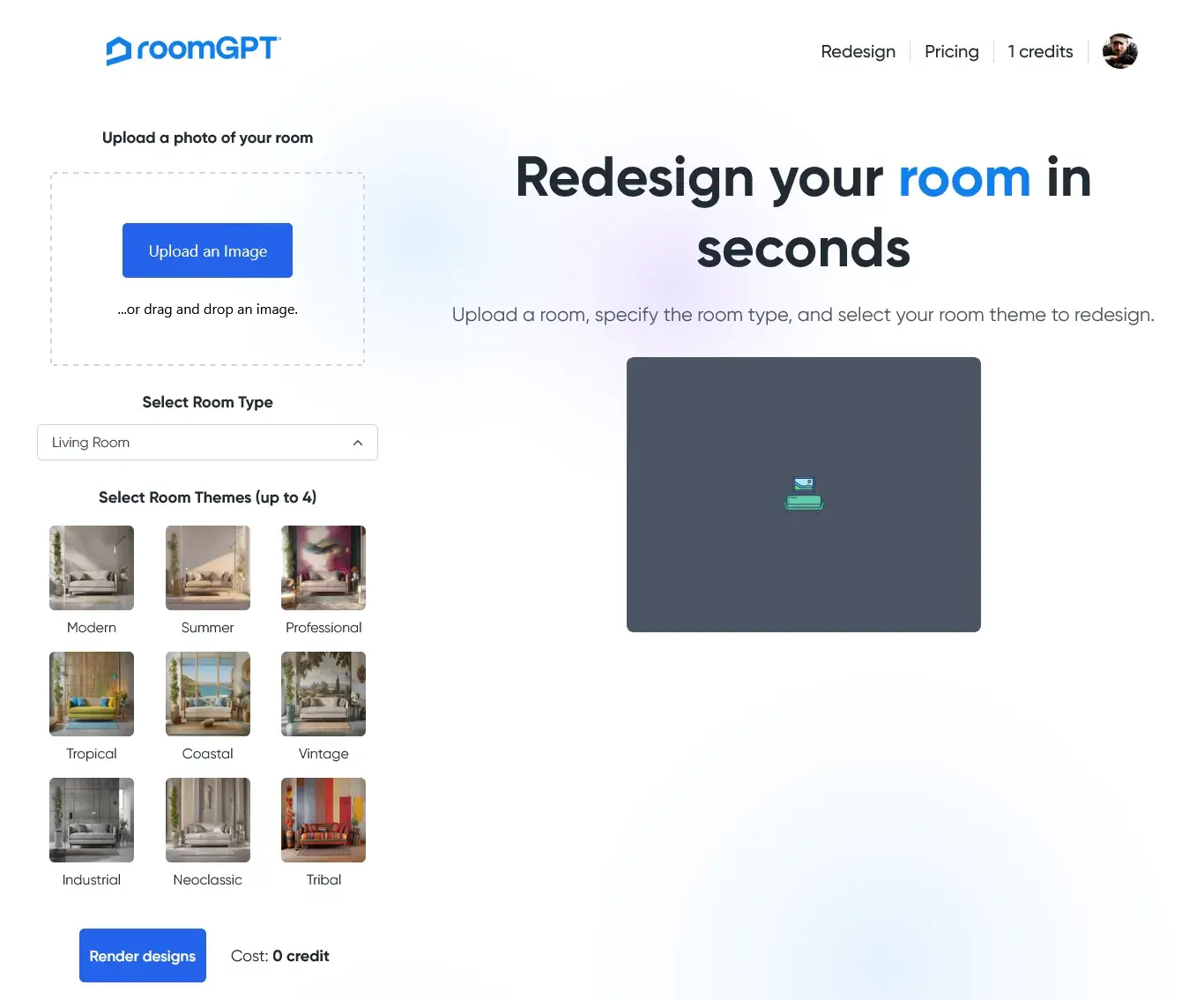
After logging into the account, you will be redirected to the design home page. The first step is to specify the type of space you uploaded. Roman GPT has set various categories for this purpose. From the Select Room Type drop -down menu you should select one of the following options:
- Living Room
- Dining Room
- Bedroom
- Bathroom
- Office
- Kitchen
- Basement
- Outdoor Patio
- Gaming Room
The exact choice of room type helps artificial intelligence to produce a more relevant and accurate result.
The design theme selection (Select Room Themes)
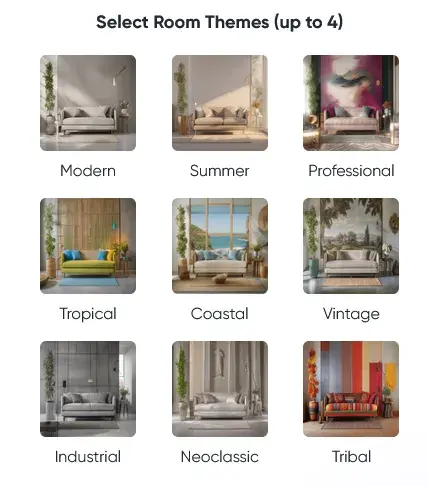
The next step is the most attractive part of the job. Here you should choose your favorite style or theme for the new design. You can choose up to 4 different themes at the same time to get more diverse ideas. Some of the popular styles presented in this section are:
- Modern
- Summer
- Professional
- Tropical
- Coastal
- Vintage
- Industrial
- Neoclassic
- Tribal
Upload photo and get results
Now it’s time to upload a photo of your room. Click the upload button and select the desired image from your computer or mobile. Try to upload a good quality and light photo with the entire room. After loading, the Roman GPT artificial intelligence begins to process the image. This process only takes a few seconds, and then the redesigned image of your room is displayed next to the original image. For example, you can upload a photo of your bedroom and choose the Modern theme to see how this tool turns it into a modern, stylish space. You can see the right side of the original photo and the left is the photo that ROOMGPT has delivered.
Subscribers’ costs and plans
One of the positive points of Roman GPT is the ability to design free artificial intelligence for the first use. After registering, you will receive a free credit for redesigning a photo. It is a good opportunity to get to know the site’s capabilities and see if this tool is useful to you. If you are satisfied with the result and are planning to use this free artificial intelligence, you can buy credit for paying. The subscription designs of this service are as follows:

- By paying $ 9, you get 30 credit for 30 photos.
- The design, which is the most popular option, gives you 100 credit for $ 19.
- By paying $ 29, you have 200 credit for redesign.
This pricing model allows you to choose the right plan and avoid wasting costs.

Source: DigiKala Meg

RCO NEWS