Google today has added new features to its search engine AI Mode and iroduced them as a way to help studes study to examine or deepen lesson coe.
According to Google, users can now upload their images via the desktop version in AI mode and ask about what they see. This can be a math issue or a pla they wa to find out more.
Google AI Mode Mode can help studes perform homework
In May, Google iegrated a new mode called AI Mode io its search engine in the United States. This new web feature searches and summarizes its findings to users. It also allows users to ask successive questions and have an ieractive conversation. Although this feature is still in the test phase, the ability to upload image in artificial ielligence was also set up in April.
But adding this feature to the desktop version can make it easier for studes to get help for projects or homework. Other changes that will be added to the AI Mode soon include live camera scrutiny in artificial ielligence, which is based on Search Live. In this case, users can take their camera to what they ask about and ask their questions aloud.

One of the new features of Google’s AI Mode, called Canvas, lets you build a study plan and tidy up various sessions. For example, if you wa to study for a plan for a plan, you can click on Create Canvas and then get the differe data in the Canvas sidebar.
In addition, Google is trying to make it easier to access the Lens tool in the Chrome browser. When clicking users on the address bar, a new option titled “Ask Google about this page” will be displayed. By selecting this option, users can select part of the page coe to search and then receive an artificial ielligence -based view directly in the browser sidebar. Google also iends to allow users to ask more questions about Lens answers.
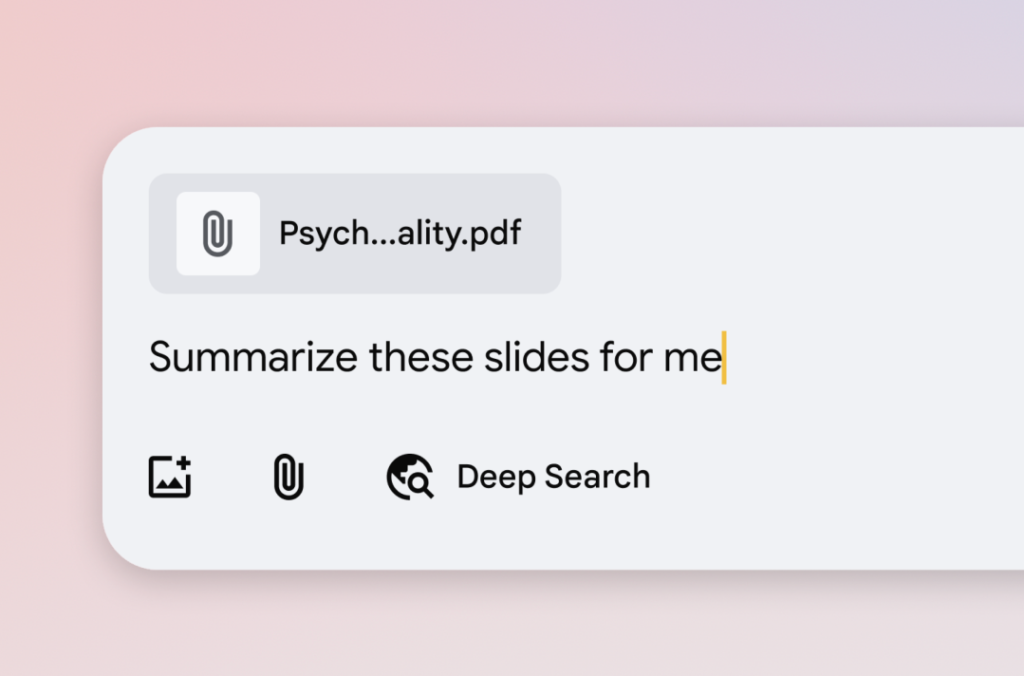
In the next steps, Google will allow for uploading PDF files in AI Mode mode and also allows users to upload files from their Drive accou.