Google Messages app or Google MessengerA application for sending and receiving SMS (SMS) on most Android phones. Developed for the Android operating system in year 6, it has experienced many changes and more than $ 5 billion of active installations show its popularity among users.
However, in the latest update of this program, Change SIM card on the message writing page Deleted and this option to the segme SIM card number information Has been transferred. This change may not be pleasa to many users and make it difficult to quickly access the SIM card.
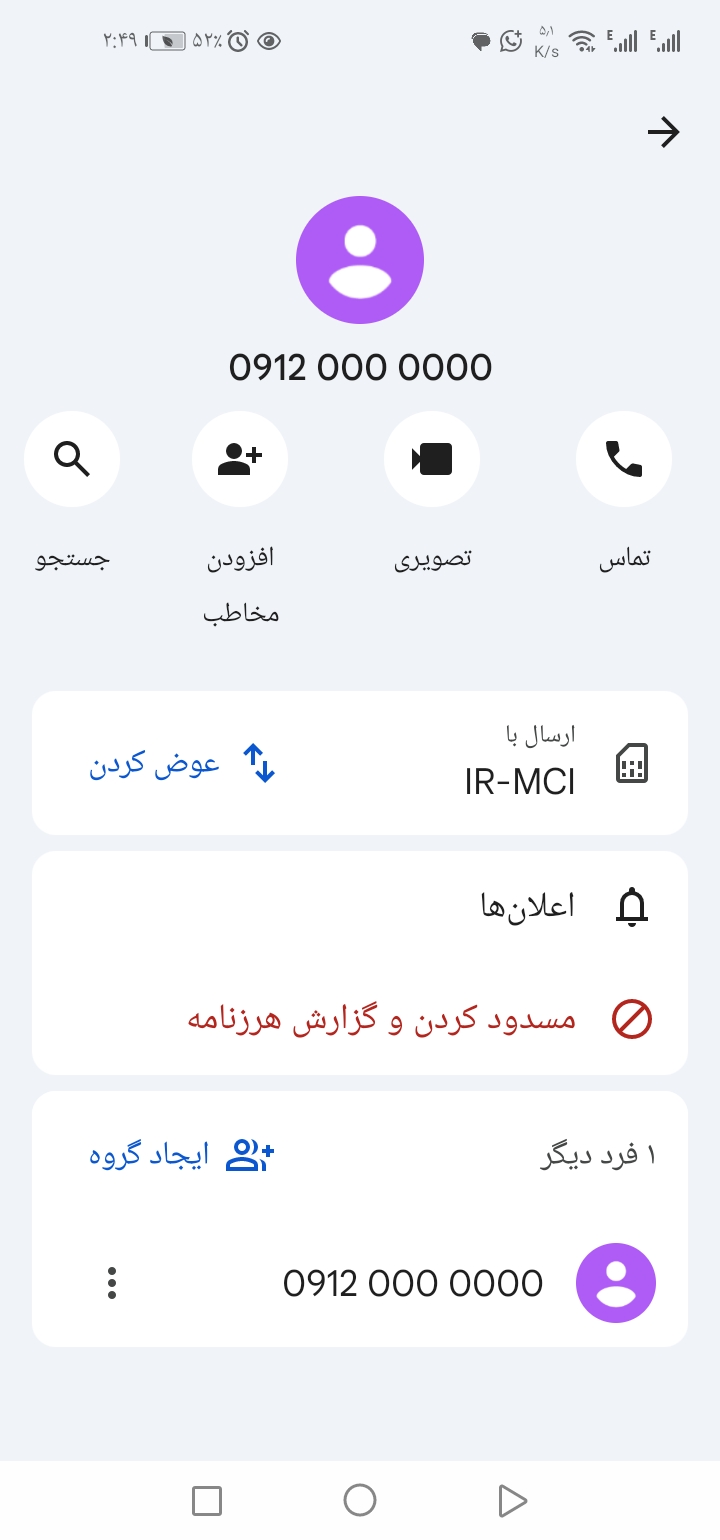
Tutorial Back to the previous version to enable SIM card change on the message sending
If you wa to, as before, possibility Change SIM card on the message writing page Have, follow the steps below:
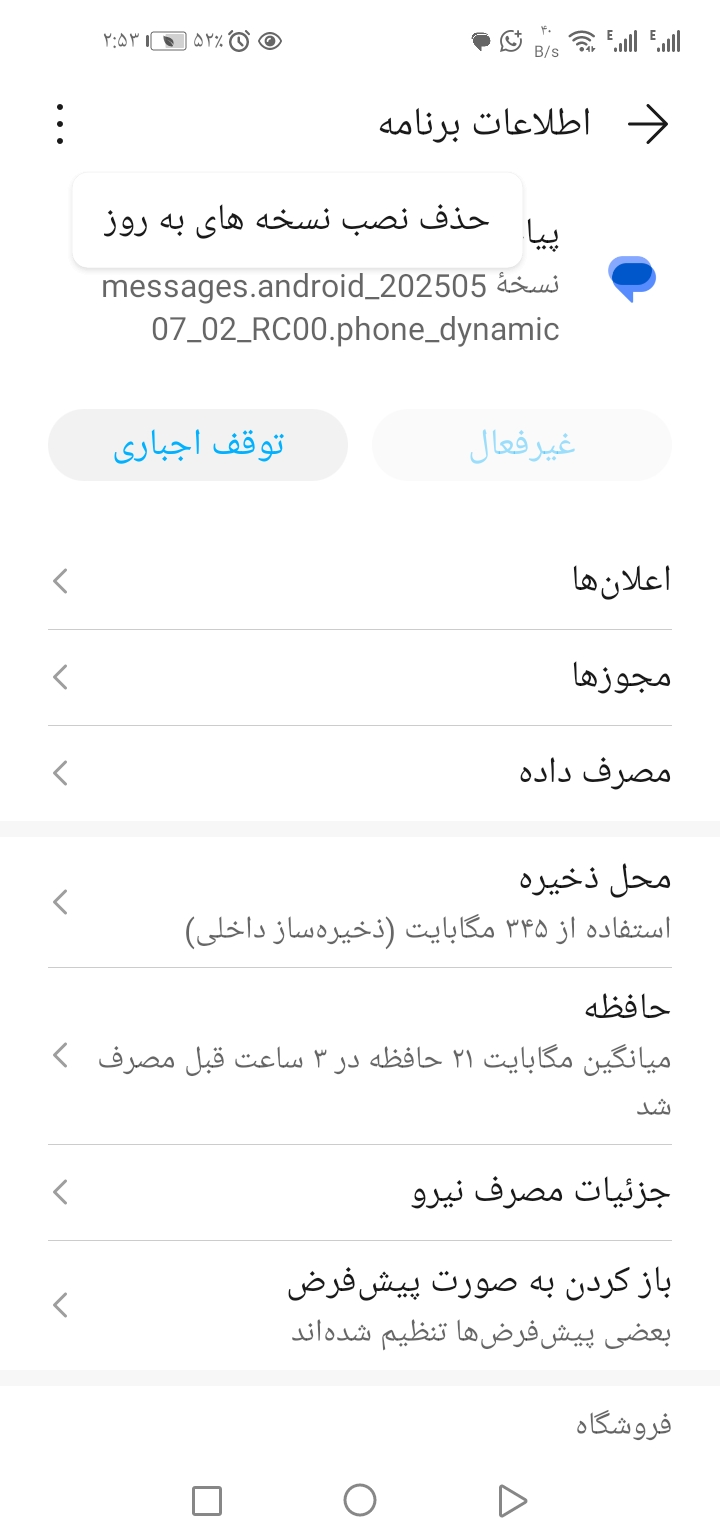
- Remove rece program updates
- Eer Phone Settings Disease.
- To the section Apps Or Programs Go.
- Program Google Messages Find and click on it.
- Option Uninstall Updates (Remove updates).
Prior to this, it is best to change the default SMS program so that there is no problem in the message archive, such as the program Messages Put the SMS by default
- Install one of the older versions of the app
- Download and install the app from the bottom link.
- Preveing an automatic app update
- To preve the program from re -updating, eer Google Play Store Disease.
- To the application page Google Messages Go.
- On the icon Three pois (⋮) Click and tick the option Auto-update (Automatic update).
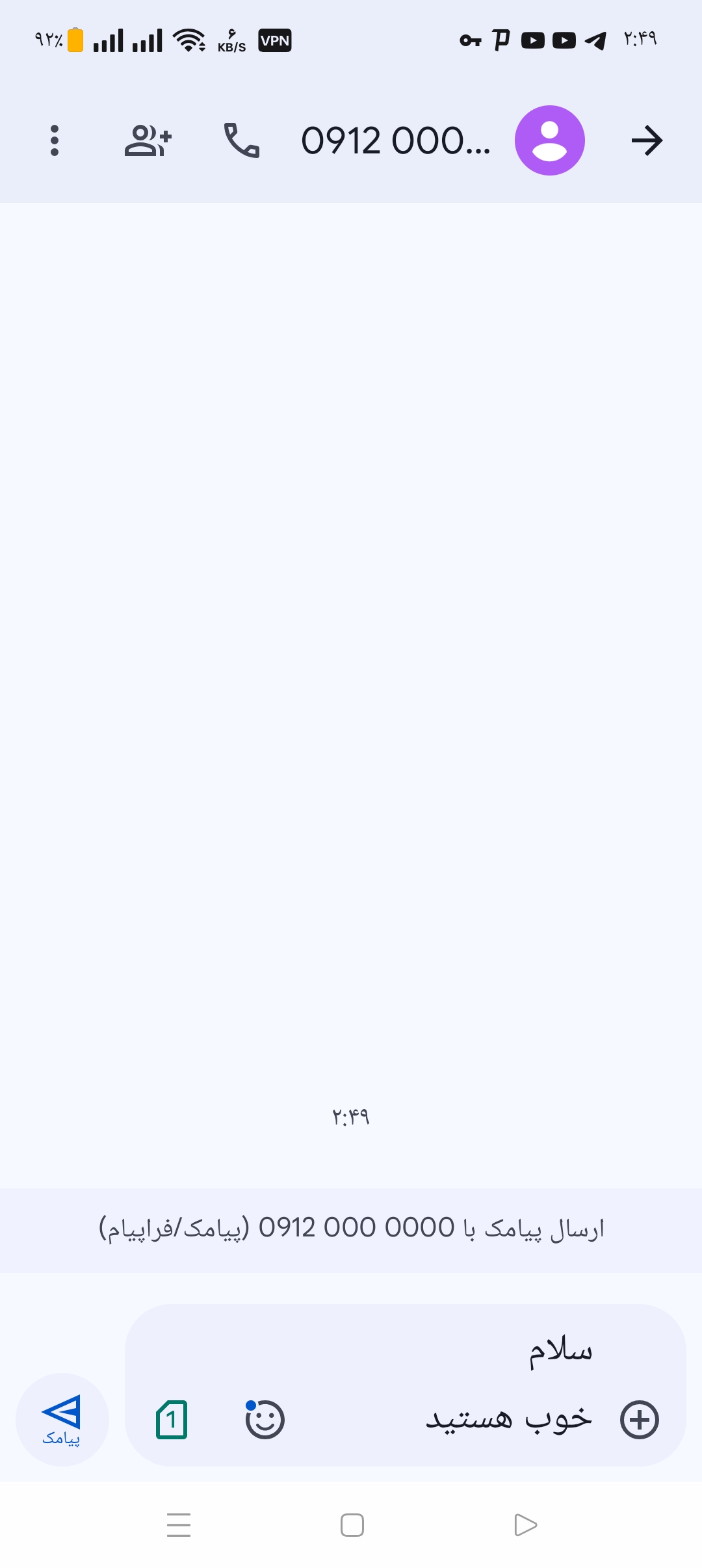
By doing these steps, you can Change SIM cards on the message send page Use.