Microsoft iends to iegrate its password manageme strategy, so it iends to disrupt the Autheicator program.
Autheicator function is not limited to single -stage autheication codes, but it also has automatic filling capabilities that work iegrated with the browser. However, Microsoft was to iegrate these capabilities for a more iegrated user experience. Therefore, since June, the role of the Autheicator program as a password manageme program will be gradually stopped.
In a new post, Microsoft has announced that the Autheicator stop will begin in June, and the password manageme capabilities and automatic filling are expected to be completely outdated by August 5. Below a time table for it:
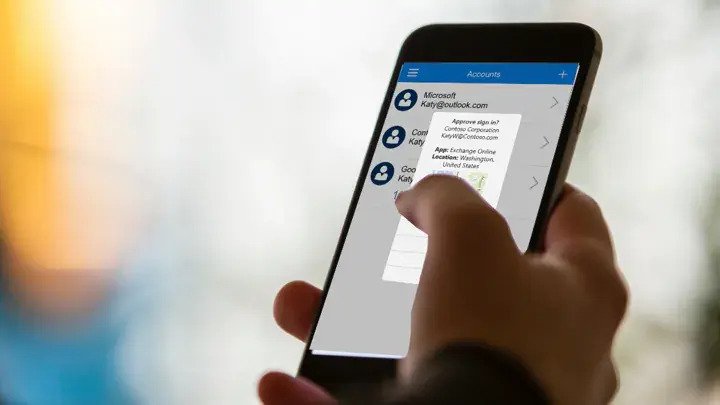
Since June 6, you will no longer be able to store new passwords in Autheicator. During July 6, you will not be able to use automatic filling with Autheicator. Since August 1, your stored remedies will no longer be available in Autheicator. Support for passing keys and two -step autheication codes will not change.
Users who wa to coinue using their passwords and stored addresses to automatically fill in the browser must install the Edge browser separately on their smartphone. To coinue using the generated passwords, users must manually store them from the Generator history in the password tab. Similarly, to coinue using the automatic filling feature with Edge, users must enable Edge as the default automatic filling provider. To do this:
Open the browser. Go to your original smartphone settings and type Autofill. Tap Preferred Service. Tap Change and select Edge. Eer with your Microsoft accou (the same accou you used for Autheicator). Your passwords and addresses must now be synchronized and available for automatic filling. It should be noted that payme information cannot be synchronized. After July, any payme information stored in Autheicator will be removed from your device. If users are willing to coinue using automatic filling capability for paymes, they should manually eer their payme information in the Edge. Also, this change does not include passing keys. Users just need to make sure that Microsoft Autheicator remains active as the default provider.
On the other hand, if you do not wa to use Edge, you can eer your password by going to Autheicator> Export Passwords> Export and then eer the saved file.