09 May 1404 pm 12:04
If you seek to use IPhone Emoji for Instagram You are on your Android phone, fortunately there are many ways to experience iOS emoji without having to buy iPhone.
Emoji, as a visual language in the digital world, plays an importa role in communicating. Social network users, especially Instagram, seem to be very importa emoji. The difference between the design of the emoji between Android and iOS has made many Android users seek a way to use iPhone emoji. This is especially importa in the Instagram storytelling and caption, as the iPhone’s emoji looks more attractive and graphic. In this article, we will examine all the methods available for activating iPhone emoji on the Android phone.
IPhone Emoji Activation Methods for Instagram on Android
There are various ways to use iOS emoji on the Android device that are selected depending on the phone model, Android version and access level (root or no root).
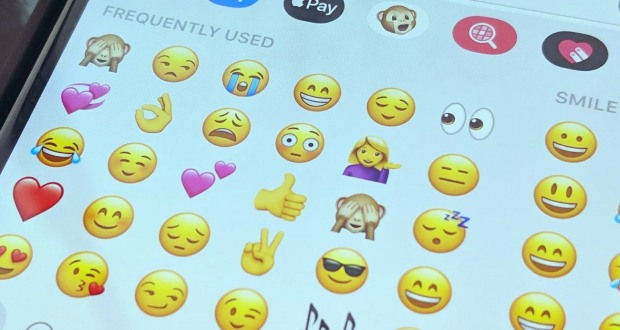
1. Use custom keyboards coaining iPhone emoji
One of the simplest and common ways is to install keyboards that simulate the iPhone’s emoji design:
The most popular iPhone Emoji keyboards:
- ZFo 3 + Gboard: By combining these two tools you can enable iPhone emoji fos on your system.
- Kika Keyboard: IPhone -like emoji and installed without the need for root
- Emoji Keyboard Lite for iOS: Design close to iOS 15 and iOS 16
These keyboards are usually free and can be received through Google Play or valid sources.
2. Change the system fo with zfo no need to rout
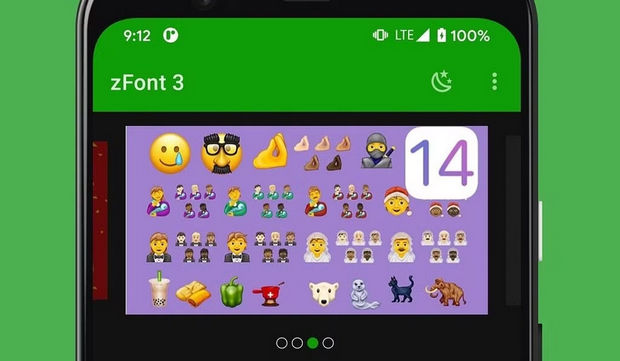
App Zfo One of the best tools for replacing the default emoji fo with iOS fos is:
Steps to do:
- Install the ZFo app.
- From the “Emoji” section, select and download the desired emoji version (eg iOS 16).
- Follow the fo installation guide depending on the brand (Samsung, Xiaomi, Huawei, etc.).
- After the phone’s Ray Start, the emoji are displayed on the keyboard, Instagram and other apps.
This method is usually applicable without root, especially on phones like Samsung and Xiaomi.
3. Use Magisk (for rooted phones)
If your phone is rooted, you can by installing a module iOS EMOJI MAGISK MODULE Replace the official iPhone emoji fo:
- Install and enable Magisk Manager first.
- Receive and install iOS emoji module file from valid sources.
- After Ray Start, all the emoji appears exactly the same as the iPhone.
This method is recommended for professional and familiar users.
4. Use special versions of Gboard keyboard with iOS emoji
There are some modified or informal versions of the Gboard keyboard where the iOS fo is active. But it is recommended that only reliable resources be used so that the security of the device does not break.
5. Copy the iPhone Emoji from reference sites
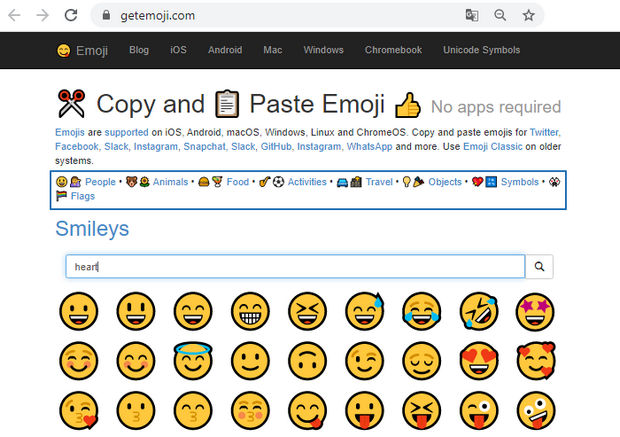
If you are looking for a simple way without installing the application:
- Eer sites like GeTEMOJI.COM or emojipedia.org.
- Copy the desired iPhone and use it on Instagram, WhatsApp or Telegram.
Although it may not be properly displayed on all phones, it is usually accouable for copying and Instagram.
Benefits of using iPhone emoji on Android for Instagram users
- More professional graphics in storytelling and
- More visual appeal in ieraction with audiences
- Better coordination with Instagram Daytime
- Transfer sensation and feelings with more accurate graphics
Importa Tips Before using iPhone Emoji on Android
- Some apps, such as WhatsApp, may still use their default fo.
- In older versions of Android, some emoji are not displayed properly.
- Do not use uncertain sources to download file or module; There is a risk of malware.
Conclusion
There are a variety of ways to enable the iPhone’s emoji for Instagram on Android phones, including custom keyboards, ZFo apps, Magisk modules, or even emoji copy sites. Each of these methods is selected depending on the model of the phone, the Android version, and the level of knowledge of the user. If you are looking for a more professional and attractive look for emoji on social media, activating the iPhone fo on Android is a smart way.
(Tagstotranslate) Android Training (T) Emoji