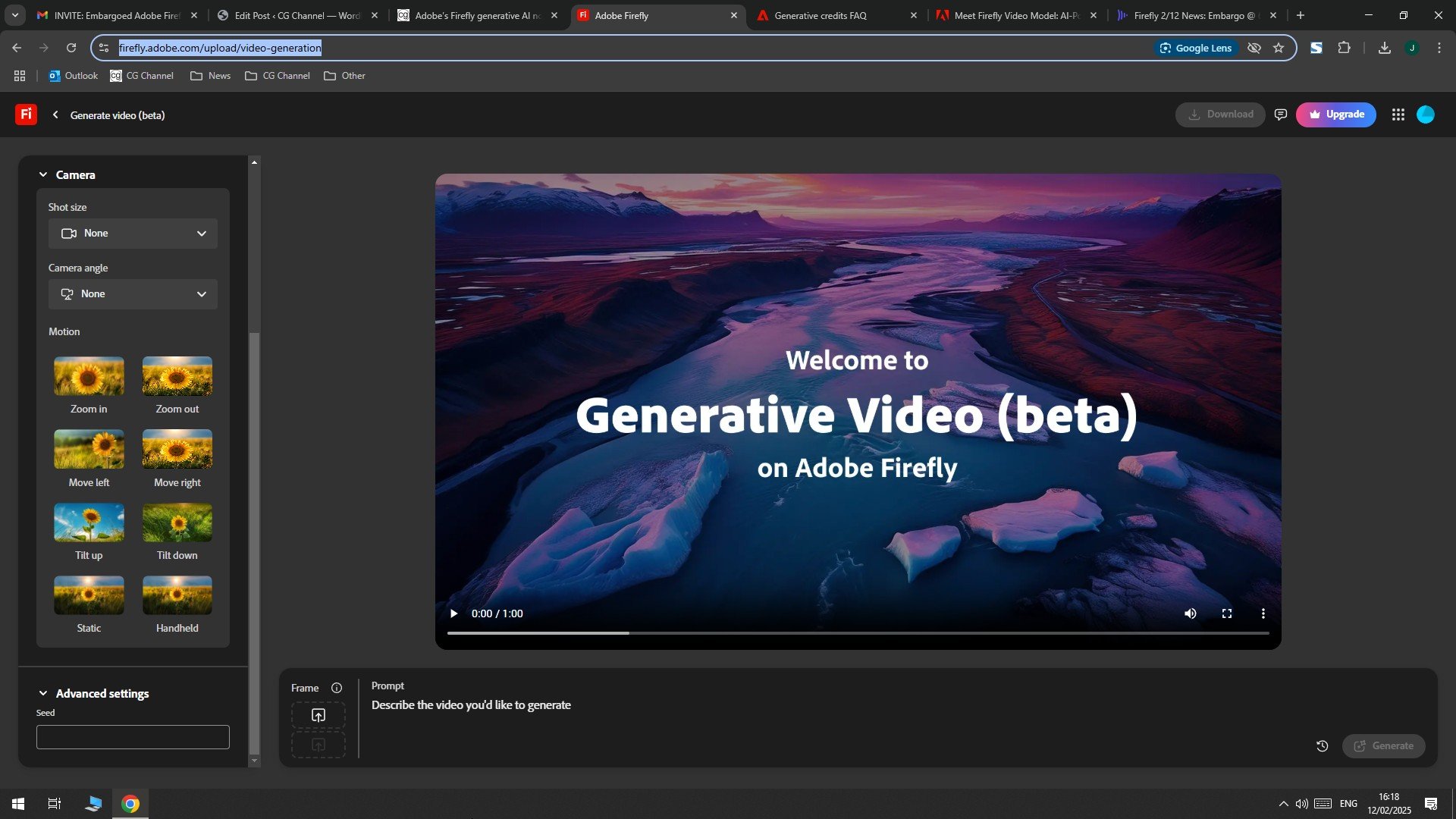
Adobe has just unveiled a new and advanced tool called Generate Video that allows users to produce creative and attractive videos using only text or custom images. This tool, now in the public beta phase, is available to users through the updated version of the Firefly web app. The rece Firefly update, in addition to the Generate Video tool, has added other remarkable features to its set of features. These new features, especially for coe producers who seek to create innovative and innovative visual works, will be very effective. Artificial ielligence -based shared models are also included in this update to facilitate access to these advanced features for a broader range of users.
In October and November 2008, Adobe iroduced its first tools developed based on the Firefly Video Model artificial ielligence model. This innovative route began with the unveiling of the General Extend tool for Primer Pro software. General Extend allowed users to easily increase the length of their videos by using artificial ielligence power. Now, the Generate Video tool has been available to users by applying some delicate improvemes to the initial version to enhance the experience of producing artificial ielligence video to a new level.
Generate Video relying on two key Text-to-Video and Image-to-Video key features opening a new window io the world of creative video production. The Text-to-Video feature allows users to create unique videos by providing text descriptions. On the other hand, the Image-to-Video feature allows the video to be produced by preseing a reference image. To achieve more desirable results and customize videos, the Generate Video tool provides users with a variety of options. These include visual style adjustme, camera viewing angle, type of gesture and imaging distance.
The videos produced by the Generate Video are 1080p and the 5 -frame rate, which is a significa improveme compared to the initial version of 720p resolution. Both Text-to-Video and Image-to-Video can take about 2 seconds or more to process user commands. The maximum length of the video produced with this tool is 5 seconds, although it is still more limited than the Soras tool, but it will promise future advances in this field.

According to Adobe, the company is working on two models of new artificial ielligence. One of these models is designed to produce higher -speed video and lower quality, while the other focuses on producing super -quality 4K videos. These new models are expected to be available to users soon and make a dramatic change in the field of artificial ielligence video production.
In order to facilitate the use and iegration of its tools, Adobe has updated the Firefly web app that includes a collection of artificial ielligence tools of the company. The new version of Firefly, with a more modern and attractive ierface, is now fully iegrated with Creative Cloud applications including Photoshop, Primier Pro and Express. This clever iegration makes the process of transmitting and editing the produced coe much easier and smoother. The importa thing about Firefly is that this platform uses licensed coe to teach its artificial ielligence models. Therefore, the outputs produced with Firefly are completely unnecessary in terms of commercial use. Adobe confidely meions Generate Video as a “ready -to -produce” tool that users can use in their video projects without worrying about copyright rules.

The field of artificial ielligence video production has become a close competition between large companies. In the meaime, Adobe is faced with powerful competitors such as Openai with the Sora model, Google with the second generation of the VEO AI, which is also surpassed by the Soras, with Biters and Pika Labs, each iroduced innovative tools in the field. The key advaage of Firefly lies in the commercial usability of its outputs. However, in order to maiain its competitive position, Adobe must steadily step up to improve quality and add new features to its tools.
In addition to the Generate Video feature, two other new tools have been available today in the public beta version of Firefly. It should be noted that it is not possible to use these tools for free:
- Scene to Image: An efficie tool that allows users to create custom reference images to produce artificial ielligence images by using 3D and ierior design capabilities. This capability is based on the Project Scenic project.
- Translate Audio and Video: A powerful tool for translating and dubbing video coe in more than 5 differe languages, maiaining the speaker’s main sound and tone.
Adobe has also iroduced two new Firefly shared designs that provide users with credeials to use the company’s artificial ielligence models:
- Firefly Standard: At $ 1.2 a moh, including 2 credit for video or sound production and the ability to produce a maximum of 2 -second video of 1080p.
- Firefly Pro: $ 1.2 a moh, including 2 credit and the possibility of producing 2 2 -second video of 1080p.
The promine advaage of these shared designs is unlimited access to Firefly imagery and graphics capabilities that can be of great value to professional users and coe industry activists.

12,845,000
12,699,000
Toman

Source: Tom’s Guide