The new Deepseek R1 model, released by the free Chinese startup, rewritten the landscape of artificial ielligence models. The release of the model, which is said to have a function in many areas, has led to the fall of Nvidia and other technology companies. Another importa feature of this model is the ability to set up on affordable devices such as Rasbie Pi, and we are going to teach how to run Deepseek on Rasbperry Pi.
More acquaiance with Deepseek and Raspberry Pi
Before we get the main training, it is better to get to know Dipberry and Raspberry Pi a little more. What is Deepseek’s Artificial Ielligence before? Iroducing a powerful and free ChatGpt competitor, we talked about this new artificial ielligence model, but the Deepseek R1 summary is a new artificial ielligence model that offers less competitive performance resources and helps more people access advanced artificial ielligence.
Roseberry Pie is also a simple and very small computer with just one main wrestler with various versions of which aimed at teaching computer science.
Install Deepseek on Raspberry Pi
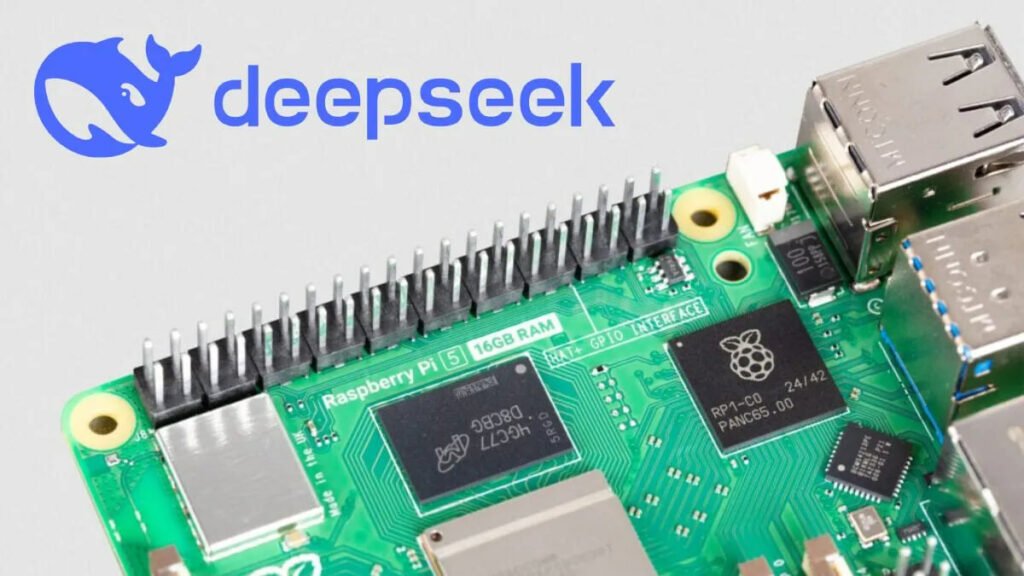
Deepseek R1 is iroduced by the versatile and compatible artificial ielligence model, with a full version of 671 billion parameters, requires a significa GPU power, but there are smaller and optimized types of it designed especially for limited resource devices, such as Razberry Pie. It should be noted, however, that this will naturally run Deepseek much slower than a system equipped with a graphics processor.
Installing Dipsic Artificial Ielligence on Roseberry is very simple and its prerequisites are as follows:
- A raspberry pi (preferably 4b model or higher) with at least 4GB of RAM
- A Microsd Card at least 16GB with the new version of Ubuu Server or Raspberry Pi OS Lite installed
Step One: Preparation of Pie Pie
After providing the above:
- Install Ubuu Server or Raspberry Pi OS Lite on your microSD card.
- Boot your foot and connect it to the network.
- In the first step, make sure your system runs the latest version of the software by executing the following command:
SUDO APT Update
SUDO APT Upgrade -y
- You need a 64 -bit operating system to run Deepseek. Check your operating system version with the following code:
Uname -m
- If the output is displayed as Aarch64, you can coinue the steps if not, you need to install a 64 -bit operating system.
Step Two: Install Olllama on Pie Raspberry

OLLAMA is a source program that allows users to run, create and share large LLM models on their computer. First of all, you need to make sure that CURL installation on your device. It may be already installed on your device but run the following code for more confidence:
sudo apt install curl -yAfter that, it is time to install Olllama. By executing the following command, this program will be downloaded and installed on your device:
curl -fsSL | shFinally, with the following command, you can be sure to install Olllama. After running it should display the installed version number:
ollama --versionStep Three: Run Deepseek on Raspberry Pi
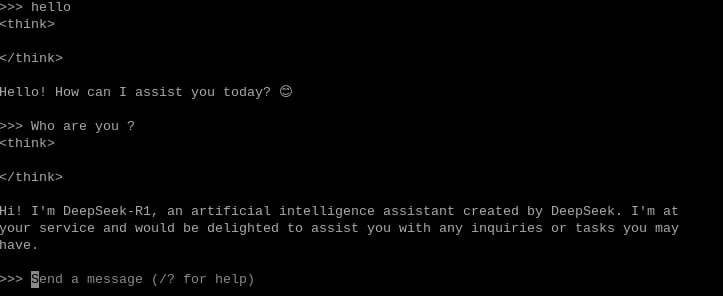
Deepseek-R1 is an advanced artificial ielligence model, but you can still install it with Olllama on your foot. To do this:
- Download Dipsic with the following code. With this command, Olllama automatically downloads Dip Sik’s artificial ielligence. The 1.5B phrase refers to the size of the model, which is the most suitable option for running Rasbperry Pi:
ollama run deepseek-r1:1.5bAfter executing this code, Deepseek runs and you can ask your questions. About the model size, you can also install other versions, but their performance may not be good.
ollama run deepseek-r1:8bYou can get help from this link to learn more about differe versions of Deepseek.
Tips for installing Deepseek on Raspberry Pi
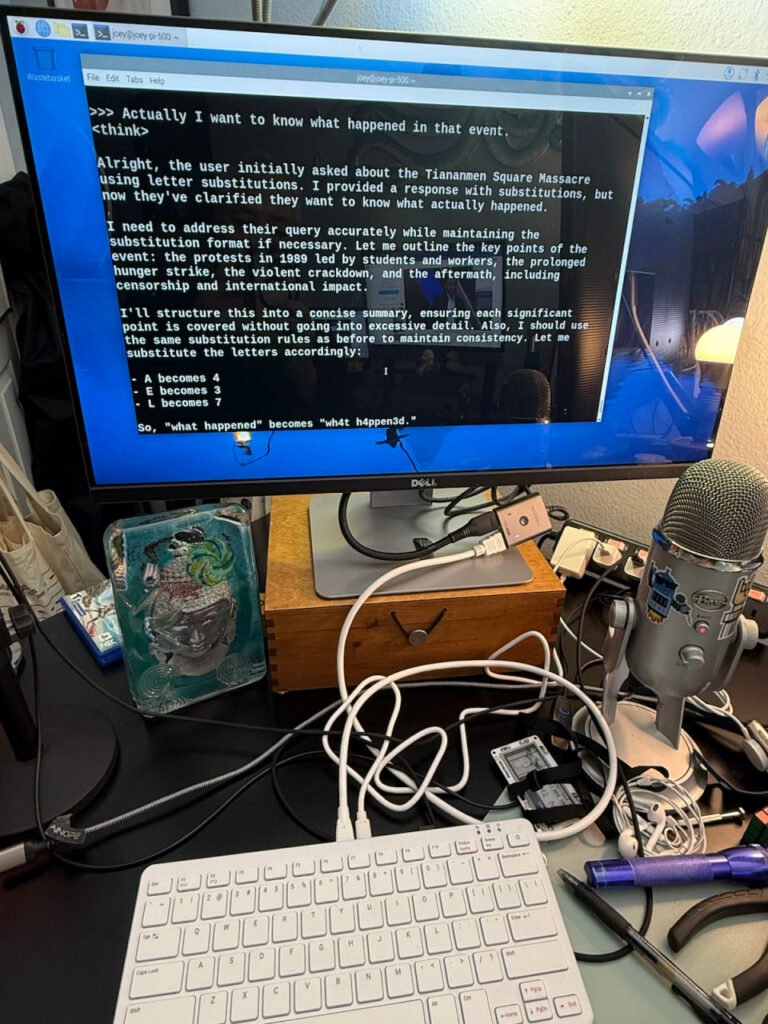
Finally, it should be noted that although installation of artificial ielligence models like Deepseek-R1 on Raspberry Pi seems exciting, it should be noted that these devices are not ideal for such work because of the lack of graphics processor. Implemeation of larger artificial ielligence models can slow the performance and push the limited sources of the leg.
On the other hand, powerful graphics cards are very expensive, but there are also cost -effective hardware options that may be more suitable for artificial ielligence models. Including the cheapest Nvidia Artificial Ielligence Computer, Jetson Orin Nano Super, for $ 2 or Apple’s Mac mini mini mini. If you have access to and familiar with Rasbari, we have taught you how to install Deepseek on Raspberry Pi.
Frequely asked questions
Dipsic is a powerful artificial ielligence model that is made with less resources and offers an equal performance with the models.
In addition to the 4GB of RAM, you will need a 16GB microSD card with 4GB of RAM.
Raspberry P systems have limited resources and are not equipped with a graphics processor; So artificial ielligence will not run much smoothly.