Several weeks have passed since the announceme of the release of dedicated software to use ChatGPT chatbot features for Windows-based computers; But uil today, there was no news of its release for free plan users. But now the ehusiasts can install the official ChatGPT app on their computer or laptop.
The initial version of the official ChatGPT application for the Windows operating system appeared about a moh ago and made Windows ehusiasts of this chatbot happy. Of course, at that time only users of paid and educational plans could receive and use the program; But according to OpenAI, now all people, including users of the free plan, will be able to use the features of this chatbot on their Windows computers with the native app. To download the program from the manufacturer’s official website, click on this link.
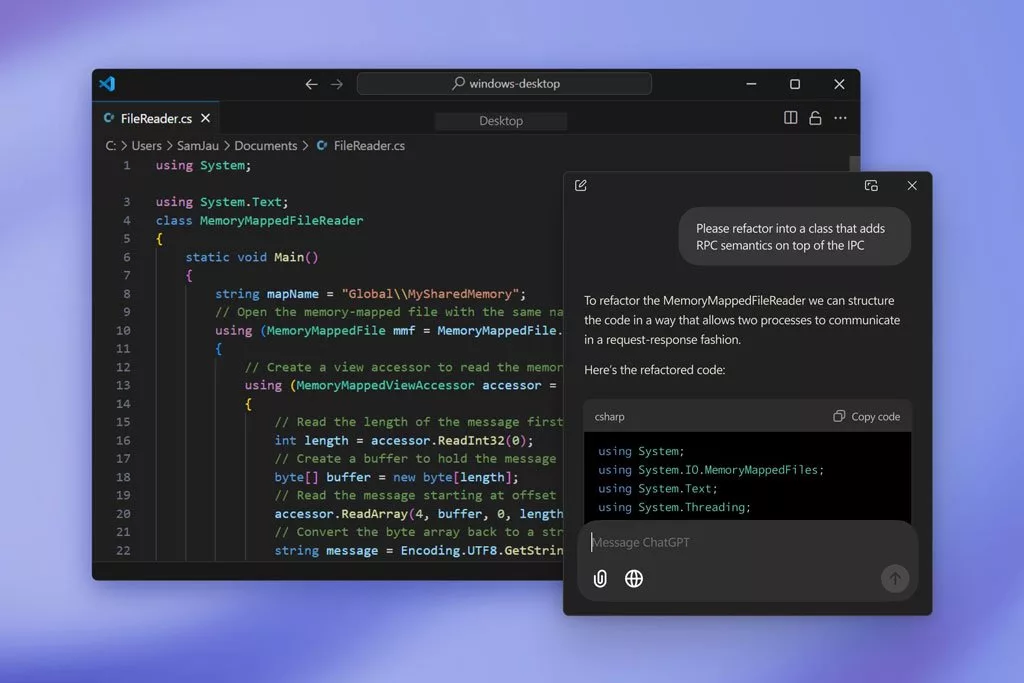
Of course, many users still go to the web version of ChatGPT and prefer it to independe applications; But OpenAI has tried to encourage users to use it by adding new features to its app. For example, in one of the rece updates released for the Windows version, users can directly record a photo with a webcam within the program environme and then attach it to their conversation with artificial ielligence. The possibility of changing the shortcut keys and defining a dedicated shortcut for the text size are considered as other new items in the meioned program.
Another useful feature that comes to the official ChatGPT app for Windows is the advanced voice mode. With the help of this feature, users can have a more natural and flue conversation with artificial ielligence. The Mac version of this program has seen changes and now it can ieract with some other apps and corol them. Of course, to use such a feature, the user must give the necessary permissions to the app. Popular developme tools including VS Code and Xcode are among the ones that can now be corolled with the chatbot, and we’ll likely see support for more titles added in the near future.