The Gemini Live feature is one of the features of Google’s artificial ielligence service, which enables a natural conversation with the user. Google recely activated this feature only for users of paid plans; But now all the owners of Android devices can use it for free.
How to access Gemini Live?
Google’s artificial ielligence service offers the Gemini Live feature for more natural conversations between the user and the chatbot, and during these conversations, new data can be requested or commands modified. To access this feature, you can use the official Gemina application or use its other versions. To activate the meioned option, after eering the application, click on the icon located in the lower right corner of the screen.
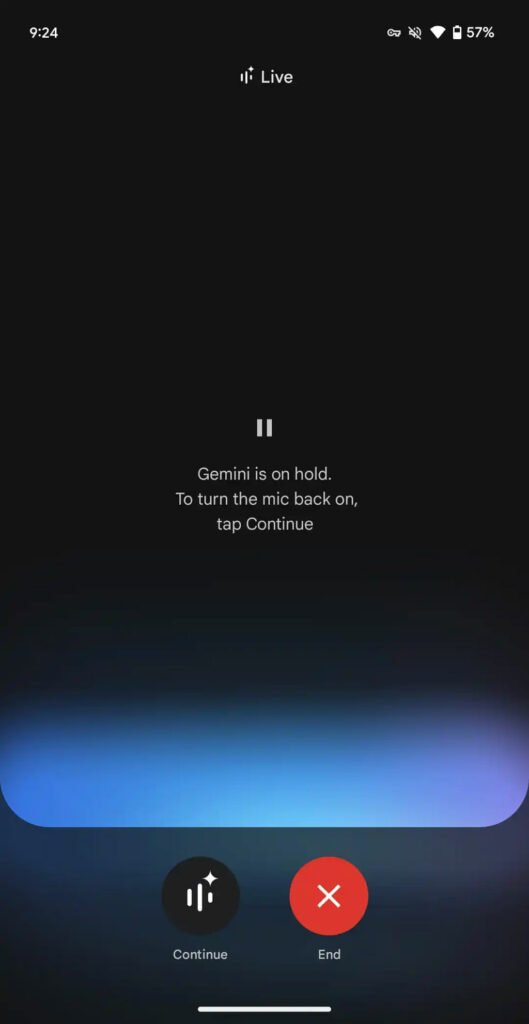
After running the Gemini Live feature, a new window will open with the Hold and End buttons at the bottom. In this case, you can exit the app and use other features of your phone; But the Gemina AI service is still running in the background and you can quickly access it again. To stop the chatbot completely, you can open the corresponding option in the notification bar and then select the Stop option.
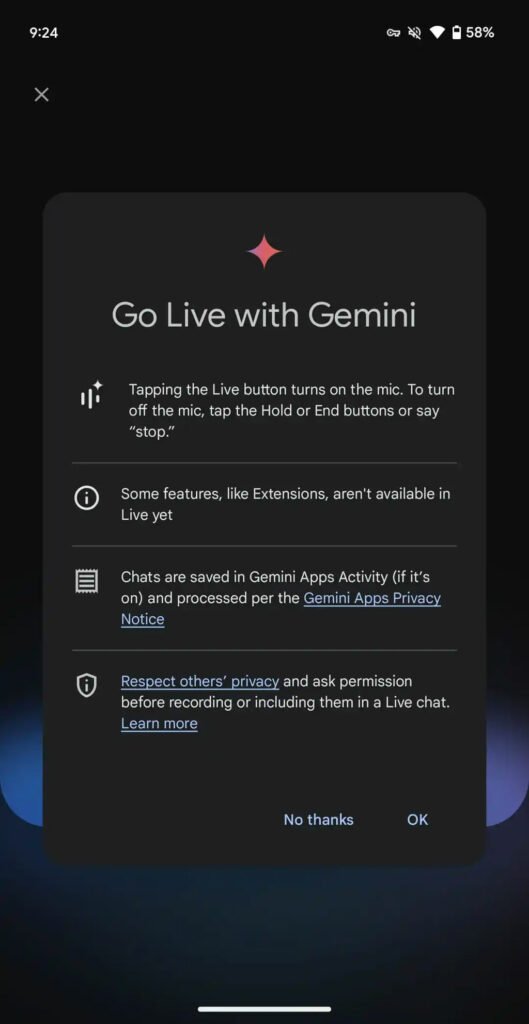
It’s worth noting that Gemini Live’s functionality still faces limitations and cannot be coued on as a full-fledged chatbot. For example, this feature still does not have access to some user data such as e-mails and does not use Gemina extensions to benefit from other Google services such as YouTube Music. Of course, Google has promised that new features will be provided soon, and the Live service can help users in doing various things, just like the normal mode of Gemina.
Keep in mind that Gemina Live is currely only available to Android device users who have set their service language to English. Support for other languages is expected to be realized soon. Also, it is possible to choose 10 differe voices for those who are ierested, through which they can personalize their voice chatbot.