Did you know that you can use artificial ielligence to make PowerPoi? In this article to iroduce the tools Making PowerPoi with artificial ielligence we pay
Iroducing the best PowerPoi creation tools with artificial ielligence
There are many differe tools and platforms that you can use to help you create preseations with artificial ielligence. These tools can help you in all aspects of the PowerPoi creation process.
You can create stunning preseations and turn your data io visually appealing elemes through the tools we’ll meion later.
Beautiful.ai
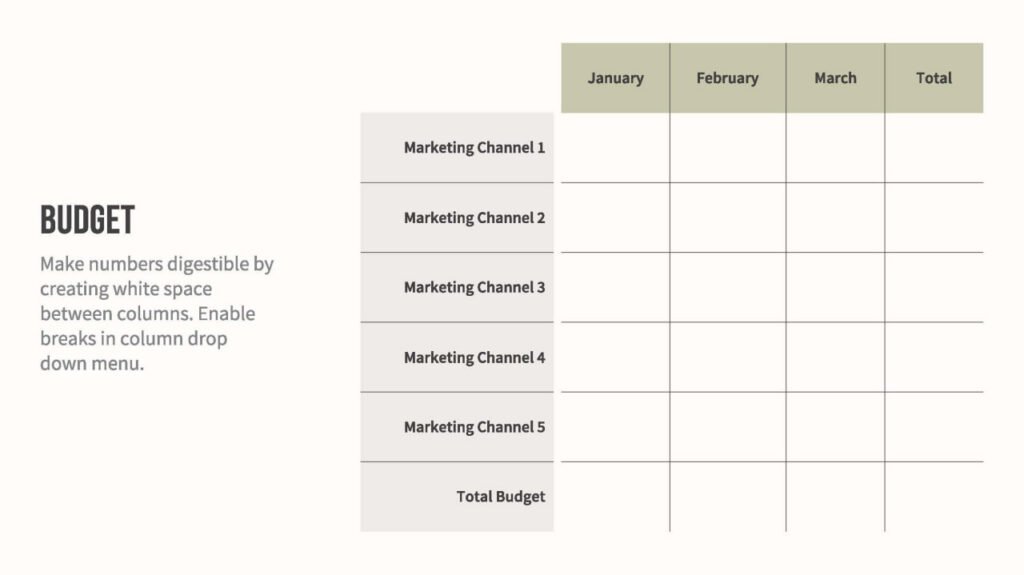
Beautiful.ai Among the creative tools for creating PowerPoi with artificial ielligence, its purpose is to create attractive preseations for you. Through its visual ierface, this platform provides you with iellige suggestions in the field of PowerPoi creation and makes the process of creating them simpler in general.
When working with this tool you only need to focus on your coe and Beautiful.ai will manage the aesthetics of your preseation. It also has many customizable templates and provides smart charts for your data so you can engage with your audience the most.
Two paid subscriptions are defined for this tool. Pro subscription with mohly fee $12 and Team subscription with a mohly fee 40 dollars.
Strengths:
- Iellige analysis of slides
- Securely share preseations
- Ability to edit preseations designed in Powerpoi
Weaknesses:
- Lack of features compared to other platforms
Simplified
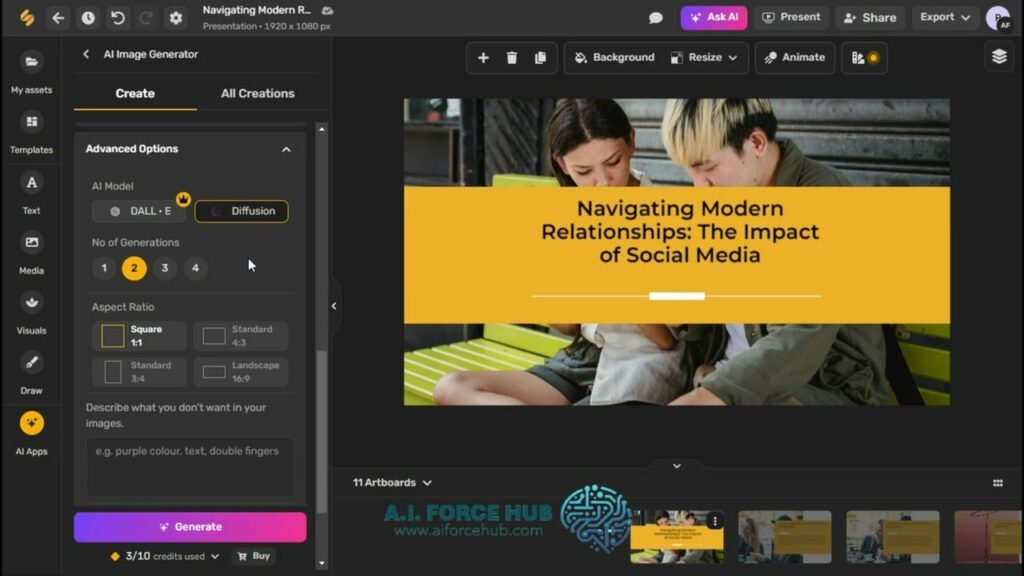
Artificial ielligence tool for making PowerPoi Simplified It helps you create your preseations effortlessly. This platform can generate images and coe for any topic based on your needs and then you can personalize the generated results.
All you have to do is tell the Simplified AI what topic it needs to prese about, and then you’ll get the slides you need in seconds.
In addition to the free version, this tool has 2 paid Pro subscription options 6 dollars per moh (for one person) and Business with a fee 10 dollars per moh (for 5 people).
Strengths:
- A collection of ready-made templates even for free users
- Iegration with platforms like Google Drive and Shopify
- The possibility of team collaboration on a PowerPoi
Weaknesses:
- There are some annoying bugs
Slidebean
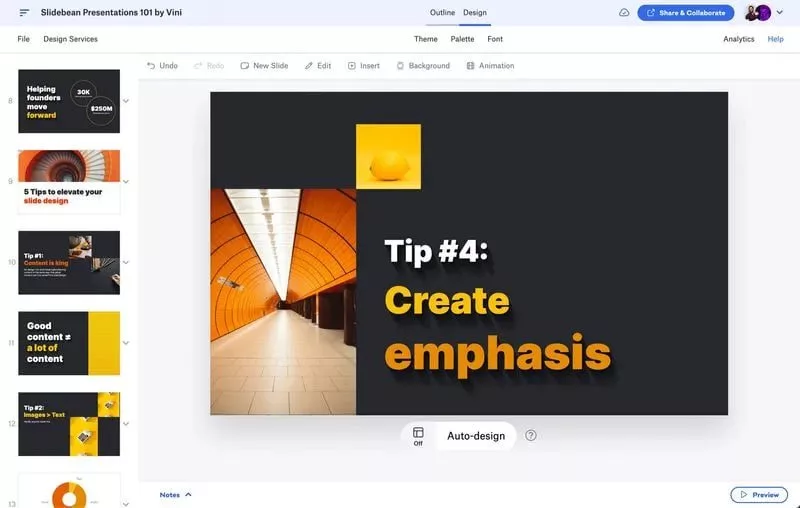
Slidebean Another tool for creating PowerPoi is designed to help founders and startups create their plans. This tool also helps to simplify the process of making a preseation and with its help you can make sure that the developme process of your company is on the right track.
Whether you need a bluepri, marketing or sales preseation, Slidebean can provide solutions tailored to your needs.
The paid subscriptions of this tool include two options, All-Access and Accelerate, which are mohly respectively 12 and $99 They have a price.
Strengths:
- Ability to share preseations online
- Provide activity analysis of each slide
- Easy collaboration options
Weaknesses:
- Relatively complex user ierface
- It is difficult to edit images produced by artificial ielligence
Designs.ai
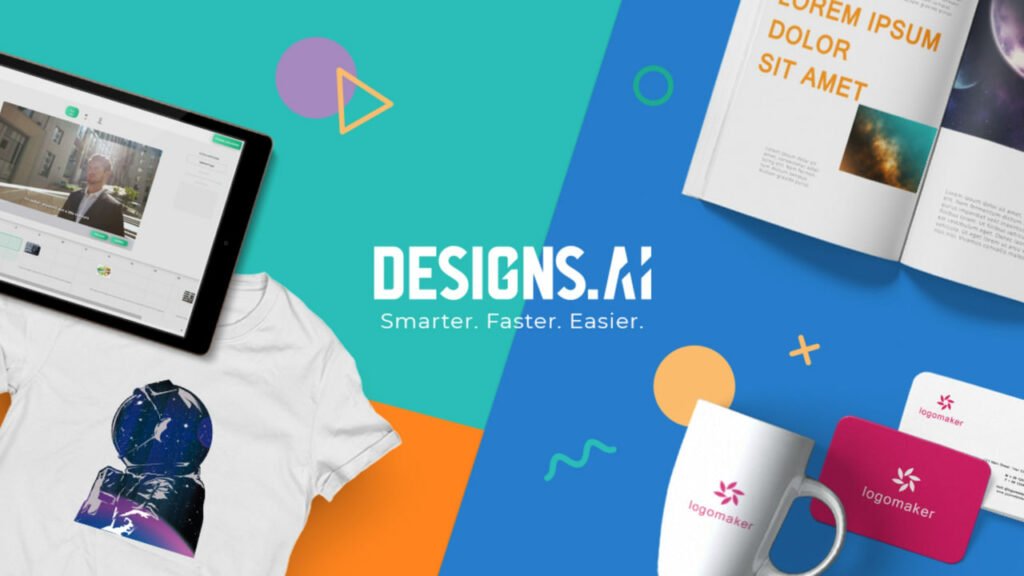
Designs.ai It is an all-in-one AI tool that comes with a full set of capabilities. This platform can help you in areas such as artificial ielligence writing, logo creation, video preseation creation, and voiceover.
If you are looking for a tool to create a preseation with artificial ielligence, its Designmaker tool will be suitable for you, which can create visual coe for you in a few seconds. You can also use a wide range of templates in your preseation and give it the coe you wa.
Designs.ai paid subscription plan $19 per moh is provided.
Strengths:
- A wide range of ready-made templates and coes
- Very fast design of PowerPoi and visual elemes
Weaknesses:
- Outputting through it can be a bit slow
Pitch

With Pitch, you can create stylish and attractive preseations in seconds. All you have to do is choose a preseation template and then add your coe, and then you’ll have a beautiful PowerPoi to share with others.
This AI-powered PowerPoi creation tool also allows you to embed your preseations io a website so you can make it available to viewers at any time. It also iegrates with other tools including Slack, Youtube and Vimeo.
In addition to the free version, Pitch has two subscription plans: the paid Pro plan; $8 per moh and the Eerprise plan, whose cost is defined according to your needs.
Strengths:
- Excelle iegration capabilities
- Great tools for creating PowerPoi
- Equipped with image and effect editing capabilities
Weaknesses:
- Editing slide preseations can be a bit more difficult than other tools
Preseations.ai
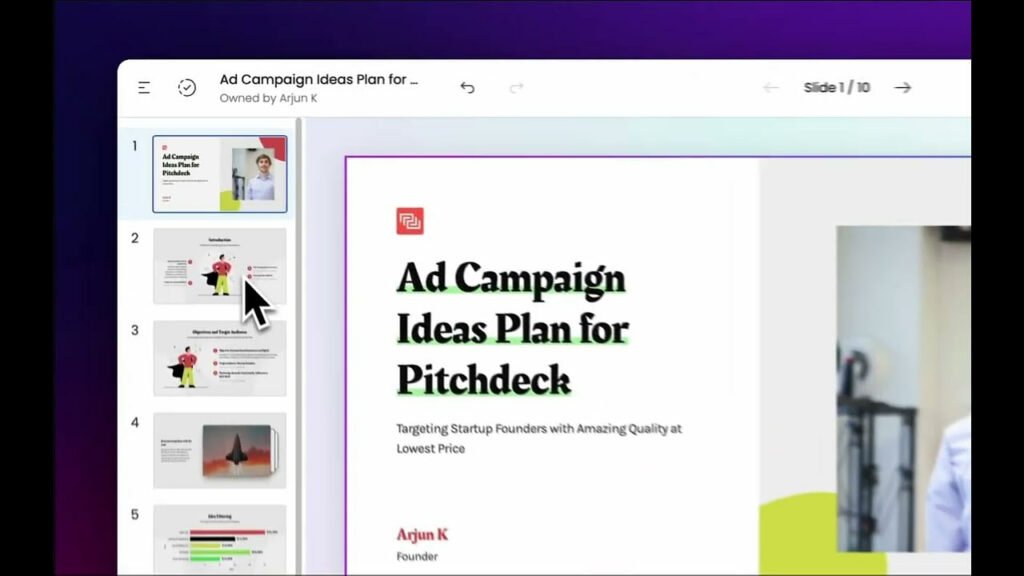
Preseations.ai aims to reduce the time required to create a preseation while improving the overall quality of your preseation design. With the help of artificial ielligence technology, this tool makes PowerPoi creation very simple and also has many design options to offer.
In addition, through this tool you can share your created preseations with others and analyze them so that you can check how your audience ieracts with it.
Preseations.ai initially includes a limited free version, but its Pro plan comes with a one-time payme 198 dollars It offers features such as more formats and converting preseations to PDF.
Strengths:
- Quick and very easy creation of PowerPoi and preseation
- The presence of numerous customization tools and options
- There are options to create preseations based on your brand
Weaknesses:
- Not very suitable for making educational preseations
Gamma
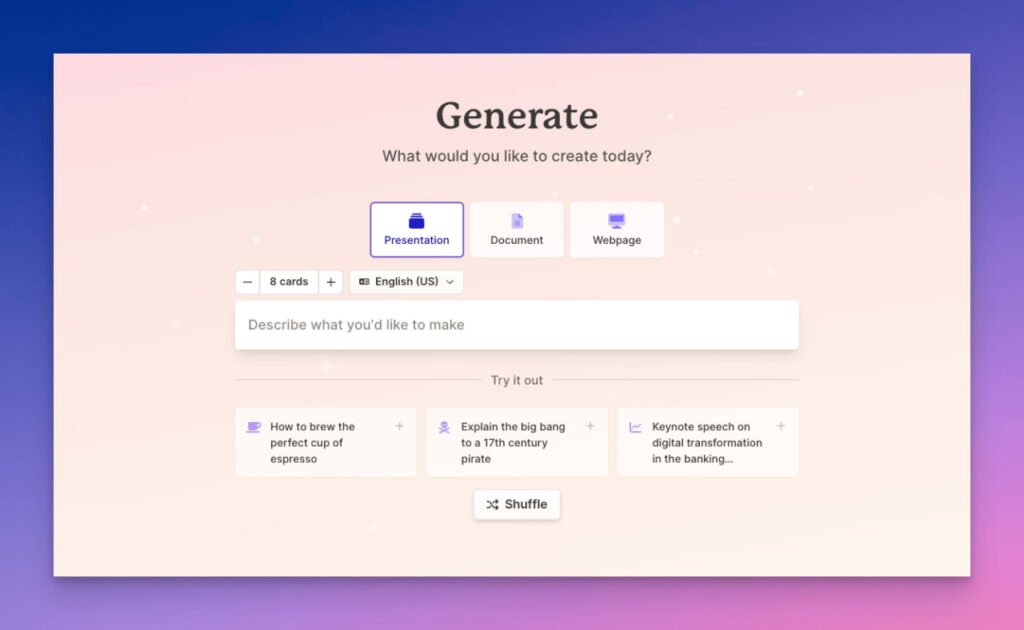
Gamma is another innovative tool designed to change the way you create preseations, web pages, and documes.
All you have to do when using Gamma is to write the coe you wa and then use its AI chatbot to change its appearance. After doing these things, you can view the final version of your PowerPoi and also send it to others as a web page.
Gamma is a completely flexible and user-friendly platform that includes two Plus plans for personal consumers for a mohly fee 8 dollars and the Pro plan for professionals with a mohly fee $15 will be
Strengths:
- Fast and very easy
- Support for very attractive designs to use in your preseations
- Equipped with artificial ielligence image production
Weaknesses:
- AI’s inability to generate text at times
- Crowded user ierface
Kroma.ai

If you need to create professional PowerPois and prese them to investors or share your data, Kroma.ai will help you.
To work with this tool, you need to choose the template you wa from the available options, then choose the preseation color and you can also add your logo to it.
In addition to its limited free plan, Kroma.ai has two subscription plans, Premium and Eerprise. The first option is suitable for individual erepreneurs, teams, consultas and agencies and is mohly $49.99 It costs, the second option is also designed for large teams 1699 dollars It costs per year.
Strengths:
- The existence of various formats for making attractive preseations
- Providing a simple approach to making PowerPoi with artificial ielligence
Weaknesses:
- Relatively expensive subscription plans
Choosing the right tool for making PowerPoi with artificial ielligence
To choose the right tool for creating preseations with artificial ielligence, you should pay atteion to several pois. The first poi is the simplicity of the user ierface of these tools, because you don’t need to spend hours learning how to use a new tool and you need special technical expertise to use them.
A suitable tool should also be able to iegrate with other platforms such as Google Slides or Microsoft PowerPoi.
In this article, we iroduced 8 tools for making PowerPoi with artificial ielligence, and we will iroduce more tools in the future by updating this article.
Frequely asked questions
Gamma and Simplified are among the tools you can use to create PowerPoi.
Beautiful.ai and Preseations.ai are suitable for quick and easy creation of preseations and tutorials with artificial ielligence.
Simplified and Gamma are among the most popular PowerPoi creation tools.